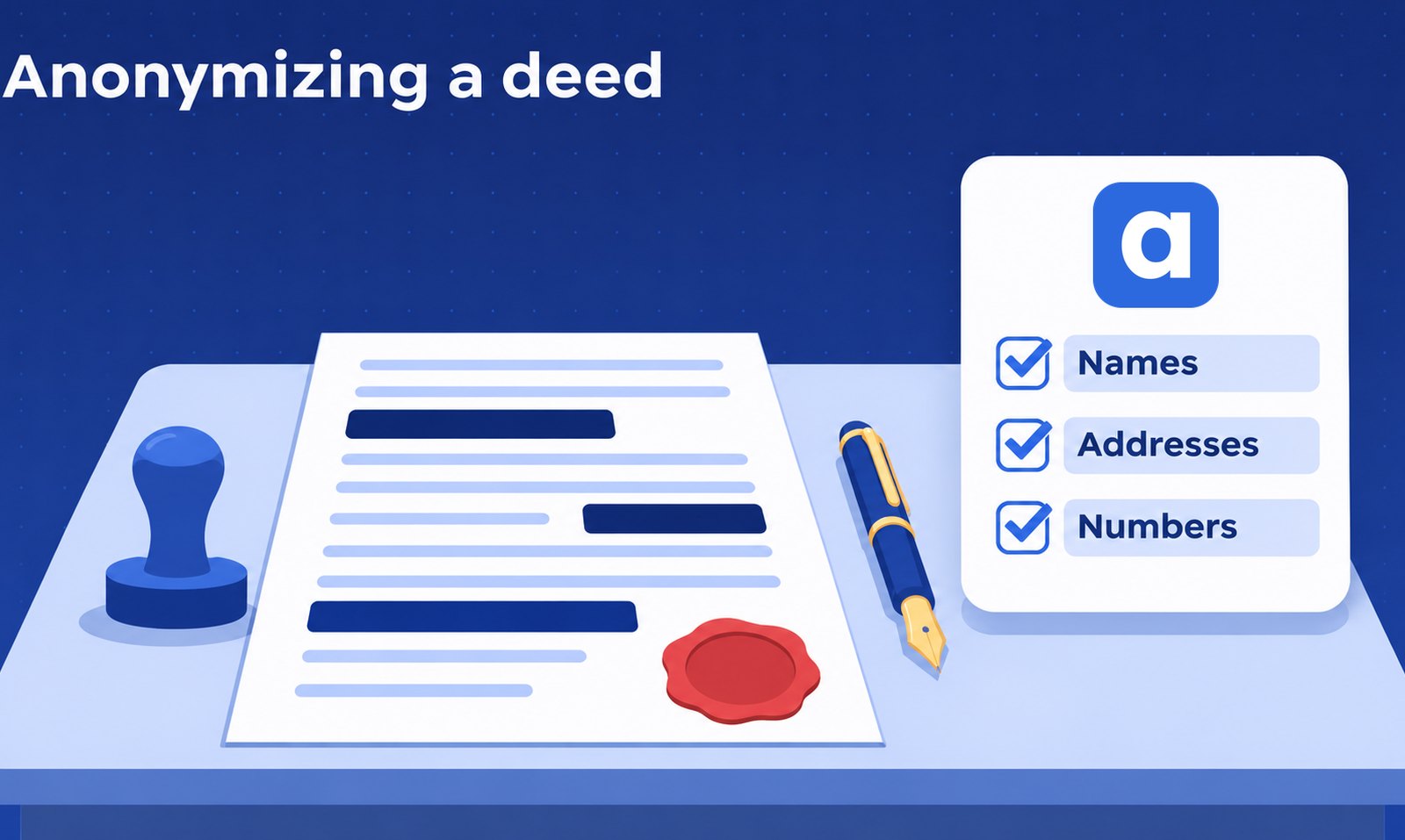
To anonymize a notarial deed, work on a copy, remove every name, address, number and clue that points to a person or a property, make sure the text is deleted and not just covered, and read the result before it leaves the office. If you only replace names with labels such as "Seller" and keep a key, that is pseudonymization, and the GDPR still treats it as personal data.
This article is general information, not legal advice. Follow the rules of your chamber or professional body and your office policy.
Why anonymize a deed?
A deed is full of personal data. Offices anonymize one for three common reasons.
- To reuse it as a model. A good deed is the best starting point for the next one, but the next client should not see the last client's details.
- To share it with a colleague, a trainer or a course. Notaries owe their clients secrecy. A document that leaves the office must not identify anyone.
- Before using an AI tool. The fewer personal details you send out, the less can go wrong. If you want the long version, read how to anonymize a legal document before using AI.
What is the difference between anonymization and pseudonymization?
Under the GDPR these are two different things.
- Anonymization. Nobody can identify a person from the data anymore, by any reasonable means. The link is gone for good. Anonymous data is no longer personal data.
- Pseudonymization. You replace identifying details with a code or label, and you keep a key somewhere else that links the label back to the person. Because the key exists, someone can reverse it. The GDPR therefore still counts pseudonymized data as personal data.
For a deed, this matters in practice. "The Seller sells to the Buyer the house at 12 Rue des Tilleuls" is pseudonymized in name only. The address still points to one house, and one house points to one owner. Real anonymization has to deal with the clues around the names too.
What should you remove from a deed?
Go through the deed with this list.
- Names of every party, witness, proxy and company, including names in headings, signature blocks and stamps.
- Addresses, with street, number and often the town when it is small.
- National register numbers, ID card and passport numbers, and tax numbers.
- Dates and places of birth. Also marriage and death dates when they point to one person.
- Cadastral and plot references, plot numbers and the description of the property. A property can be identified by these alone.
- Bank accounts (IBAN) and card numbers.
- Emails and phone numbers.
- Company numbers and the names of the companies involved.
- Amounts, when they matter. A price for a known property can identify the deal. If the deed is a model, the figures are usually not needed.
- Signatures and handwritten notes.
- File and repertory numbers of your own office and the registry.
- Indirect clues. A rare job, an employer, an unusual family situation, a story the neighbours would know. Ask yourself whether someone who knows the people could guess who this is.
Why can a black box in a PDF leave text underneath?
This is the most common mistake. When you draw a black rectangle over a name in a PDF, you only add a shape on top of the page. The name is still in the file. Anyone can select it, copy it and paste it into another document.
The same goes for a scanned deed that was turned into searchable text: the hidden text layer can still hold the names. To redact properly, the text itself must be removed from the file, and the black box is only what you see afterwards.
You can test any PDF in ten seconds. Open it, select all, copy, and paste into a plain text editor. If a name shows up, it was only covered. For a full walkthrough, see how to redact a PDF for free.
A deed in Word has its own traps: tracked changes, comments, headers and footers, and the author name in the file properties.
How do you anonymize a deed step by step?
- Copy the deed. Keep the original untouched and do not share it.
- Decide the goal. For a model you can drop the amounts. For a colleague who needs to understand the deal, you may want to keep them. Choose before you start.
- List what must go. Read the whole deed once and write down every item from the list above, with spelling variants: "Dupont", "M. Dupont", "J. Dupont".
- Remove or replace. Delete the text, or use labels you chose yourself, such as "Seller" and "Buyer", the same one for the same person all through the deed.
- Check the corners. Headers, footers, footnotes, annexes and the pages with the signatures.
- Clean the file. Remove comments and tracked changes, and check the file properties.
- Run the checks. Search for every name and number you removed, and do the copy test on the PDF.
- Keep any key apart. If you used labels, store the key in a separate file in the client's folder, not with the shared copy.
Why does the review step matter?
No person and no tool is perfect. A misspelled name, a name in a scan or an odd abbreviation can slip through. The review is where you catch it.
Read the result as a stranger would. Look for names you did not expect to still see, then look for clues that are left, such as a plot number, a rare job or a small village. Ask a colleague to read it too. A second pair of eyes finds what you stopped seeing.
How can Acta help?
Acta is a web app for notary offices and law firms. Its Anonymization feature does the first pass. It finds personal data in 13 categories, such as names, addresses, ID and tax numbers, bank accounts and dates. Prices and reference numbers start switched off, so turn them on when you prepare a model. You can add words to always hide, which is useful for plot references and property names.
A PDF with even one scanned page is redrawn and read with OCR as a whole, so no page keeps its personal data visible. Photos and scans come back as a PDF, and Word files are supported. Hidden items in a PDF are covered by solid black boxes in the new copy, and the original stays in Acta, where you can view it but not download it. Acta hides data. It does not make labels such as "Seller", so if you need those, do that step by hand.
Then you review. A panel lists every removed item. You can keep an item visible, add a word by typing it or selecting it in the viewer, and apply the changes to make a new copy. Read the final copy yourself before it leaves the office.
For a single file, the free anonymization tool takes a PDF or Word file with no account, three a day. More about the feature is on the anonymization page.
Acta runs on a server in Germany. It uses OpenAI's API to find the personal data, so the text of the document goes to OpenAI for that step. Each office's data is private to its workspace. Acta is free during the pilot. To see it on your own kind of deed, request a demo.
Written by Ala Baganne, software engineer and founder of Acta.
About the authorSee what Acta can do for your office
Tell me which tasks take your office the most time, and I’ll tailor a free demo to them.
Request a demo